Privacy choices

Choose how this site measures visits.

Essential browser storage remembers your choice. Optional analytics and advertising technologies load only with your permission. Read our privacy notice.

Skip to content

Technical guides

How to Prepare a CNC Machining RFQ

A buyer-side checklist for CAD files, quantities, materials, finishes, and inspection requirements.

Engineering overview

Give every reviewer the same complete source package.

A clear CNC machining RFQ gives the supplier a consistent basis to review the part, quantity, and acceptance requirements. Use this checklist to separate confirmed requirements from open questions. Specific process, material, inspection, and schedule details still need project review.

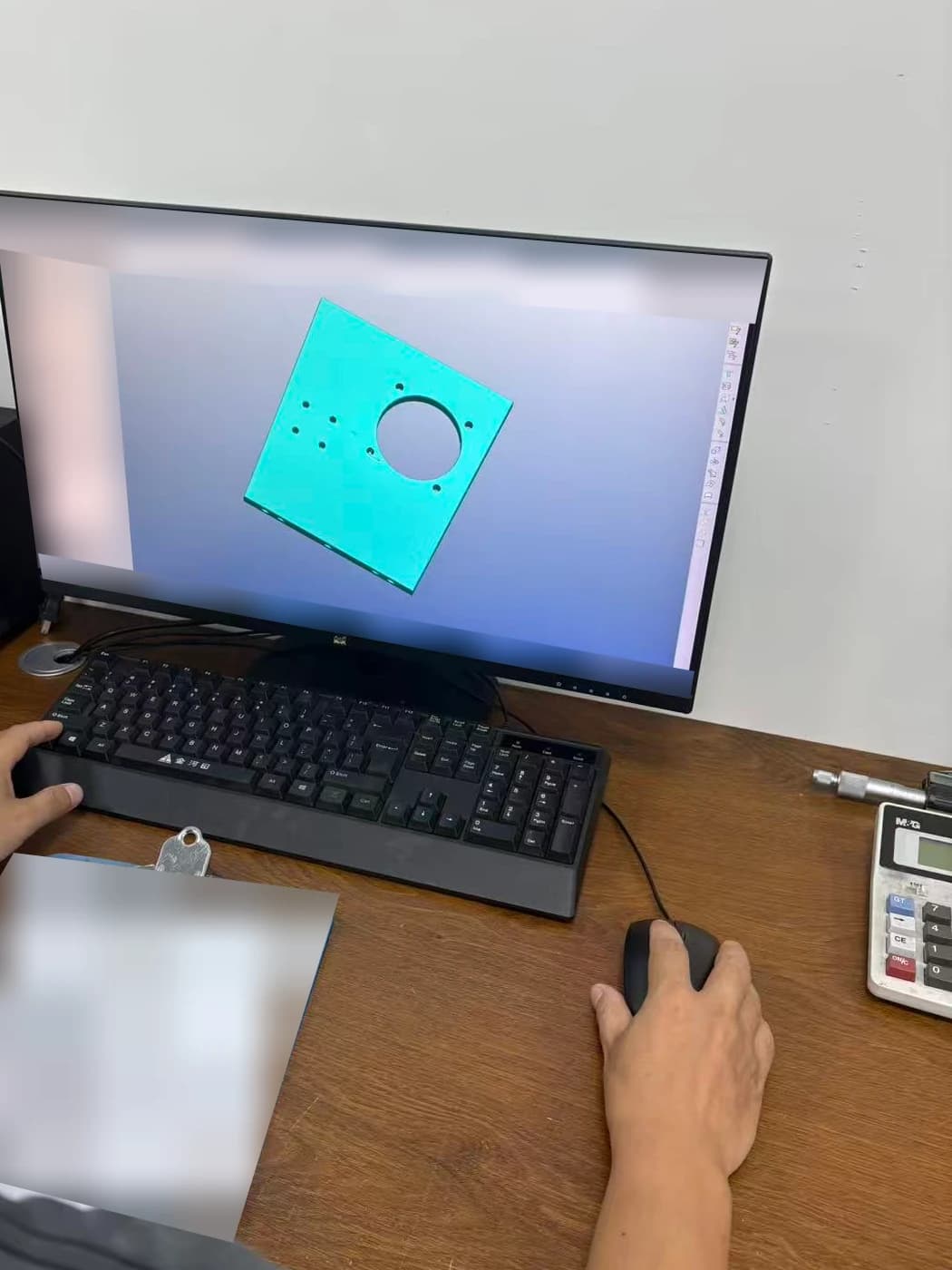
CAD model displayed at a workstationRepresentative visual

Process comparison

What belongs in the RFQ package?

These inputs reduce avoidable clarification and help the quotation state its assumptions. Use the current controlled revision for every file.

RFQ itemWhat to provideWhat it helps clarify
Part geometryA 3D model, preferably a neutral CAD format such as STEP or STP.The complete shape, feature access, and overall part envelope.
DrawingA dimensioned PDF with units, datums, tolerances, threads, notes, and revision.Requirements that cannot be reliably inferred from the model.
Commercial scopePart number, quantity, alternative quantity tiers, and delivery destination.The exact pricing basis and planning context.
Material and finishExact grade and condition when fixed, plus finish specification and masking notes.Material sourcing, process compatibility, and post-finish dimensions.
AcceptanceCritical characteristics, inspection priorities, and requested records.How the finished part will be evaluated and documented.

Send a controlled drawing package

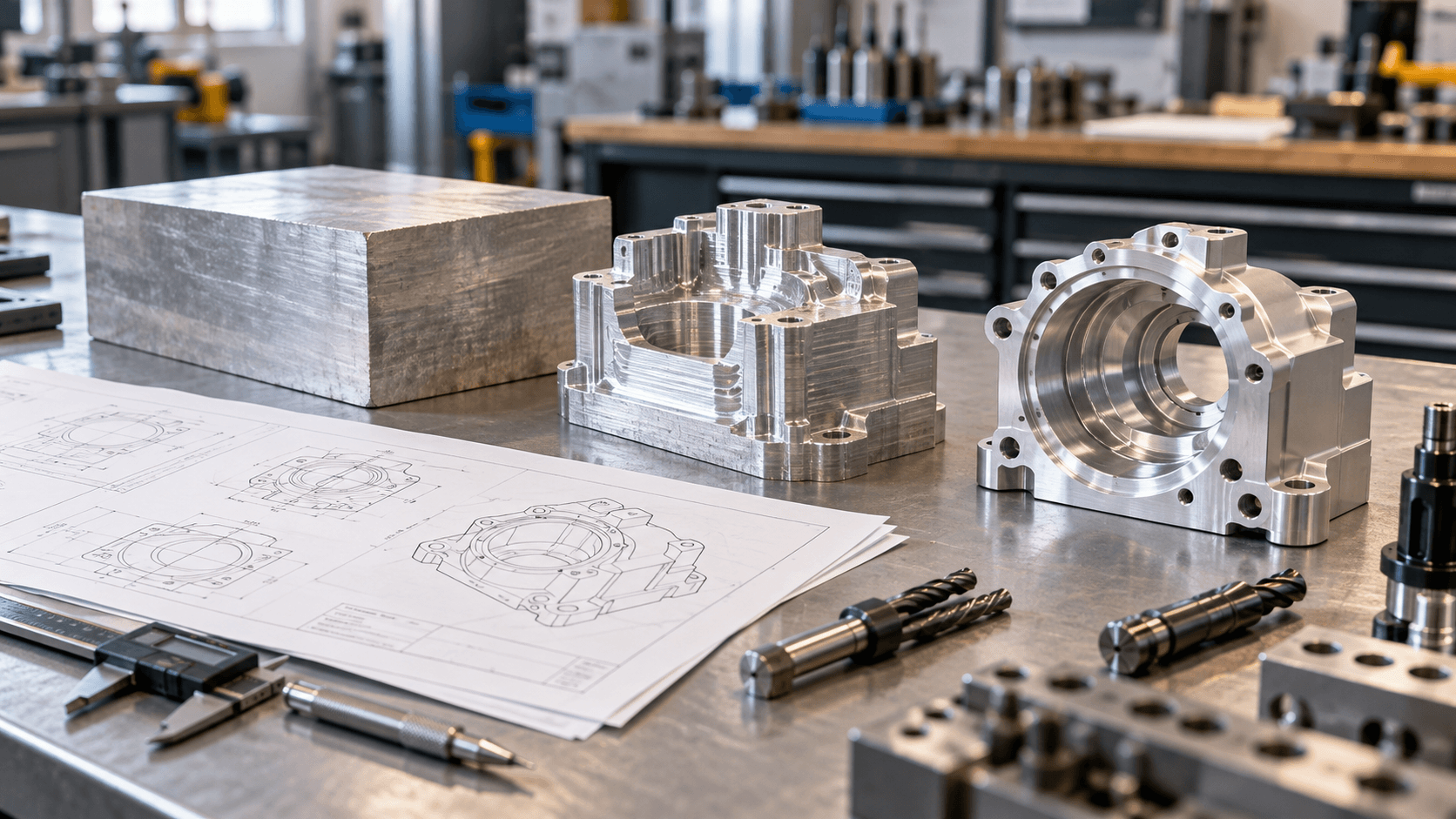
A 3D model communicates shape; a dimensioned drawing defines tolerances, datums, threads, notes, and revision requirements that may not be clear from the model alone.

  • Attach STEP/STP or another supported model format.
  • Add the dimensioned drawing as a PDF when available.
  • State units, part number, and the revision that should govern the quote.
  • Remove superseded files or label them clearly as reference only.
Mark the dimensions that control function

Define quantity and material

The requested quantity and material specification frame both technical and commercial review. If you are comparing batch sizes, include each quantity in the same inquiry and keep the specification consistent.

  • State quantity by part number and drawing revision.
  • Name the material grade and condition when specified.
  • State whether a material alternative may be considered.
  • Separate current demand from possible repeat or forecast quantities.
Review material-selection inputs
CAD model displayed at a workstation

Technical guides / Manufacturing context

Clear drawings keep technical decisions connected.

Representative media supports the engineering discussion and does not document a specific customer order.

Representative visual
03 / Project considerations

Describe finish and functional features

The application context helps reviewers understand which surfaces and dimensions determine fit, motion, sealing, assembly, or appearance.

  • List the required surface finish or post-processing specification.
  • Mark critical dimensions, fits, datums, and mating interfaces.
  • Clarify whether dimensions apply before or after finishing.
  • Describe the operating environment and requested inspection records.
Prepare finish requirements
04 / Project considerations

Give planning and delivery context

A requested date and destination are useful for planning, but production and shipping timing must be reviewed against the project scope and confirmed separately from the quotation response.

  • Share the delivery destination and requested date.
  • Separate fixed requirements from open design questions.
  • Identify any first-part, approval, packaging, or documentation steps.
  • Use the RFQ form even if files are incomplete, but describe what is still pending.
Submit files for engineering review

Before you request a quote

How to Prepare a CNC Machining RFQ FAQ

Use these answers to prepare the requirements for your part. Project details are confirmed during drawing review.

Is a 3D model enough for a CNC quotation?

A model defines geometry, but it may not communicate tolerances, datums, threads, surface requirements, inspection needs, or revision control. Include a dimensioned drawing when those requirements affect acceptance.

Should I request several quantities in one RFQ?

Yes. List each quantity by part number and keep the material, finish, drawing revision, and inspection scope consistent so the price comparison has a common basis.

What if the design is not fully released?

Identify which requirements are fixed and which remain open. A quotation can then state assumptions instead of treating an unresolved design point as an approved manufacturing requirement.

When should inspection documents be requested?

Request them during quotation. The required dimensions, sampling approach, record format, and availability should be agreed before the order is released, not after parts have been completed.

Ready for engineering review

Have a part to make?

Send your drawings and let our engineering team review your project.

We will provide your quotation within 24 hours after we receive complete drawings and project requirements.

Make the requirements clear

Include quantity, material, finish, critical dimensions, and any inspection requirements.

STEP / STP / IGES / IGS / STL / DWG / DXF / PDF / ZIP / XLSX / XLS / CSV